
SULIFLOW / VOLUME CALCULATOR
From furniture to cubic metres.
Enter the furniture to be moved and its quantities. The Volume calculator totals the moving volume in m³.
Under development. Automatic quotes using origin and destination cities are planned.
Web-based app in SuliFlow.
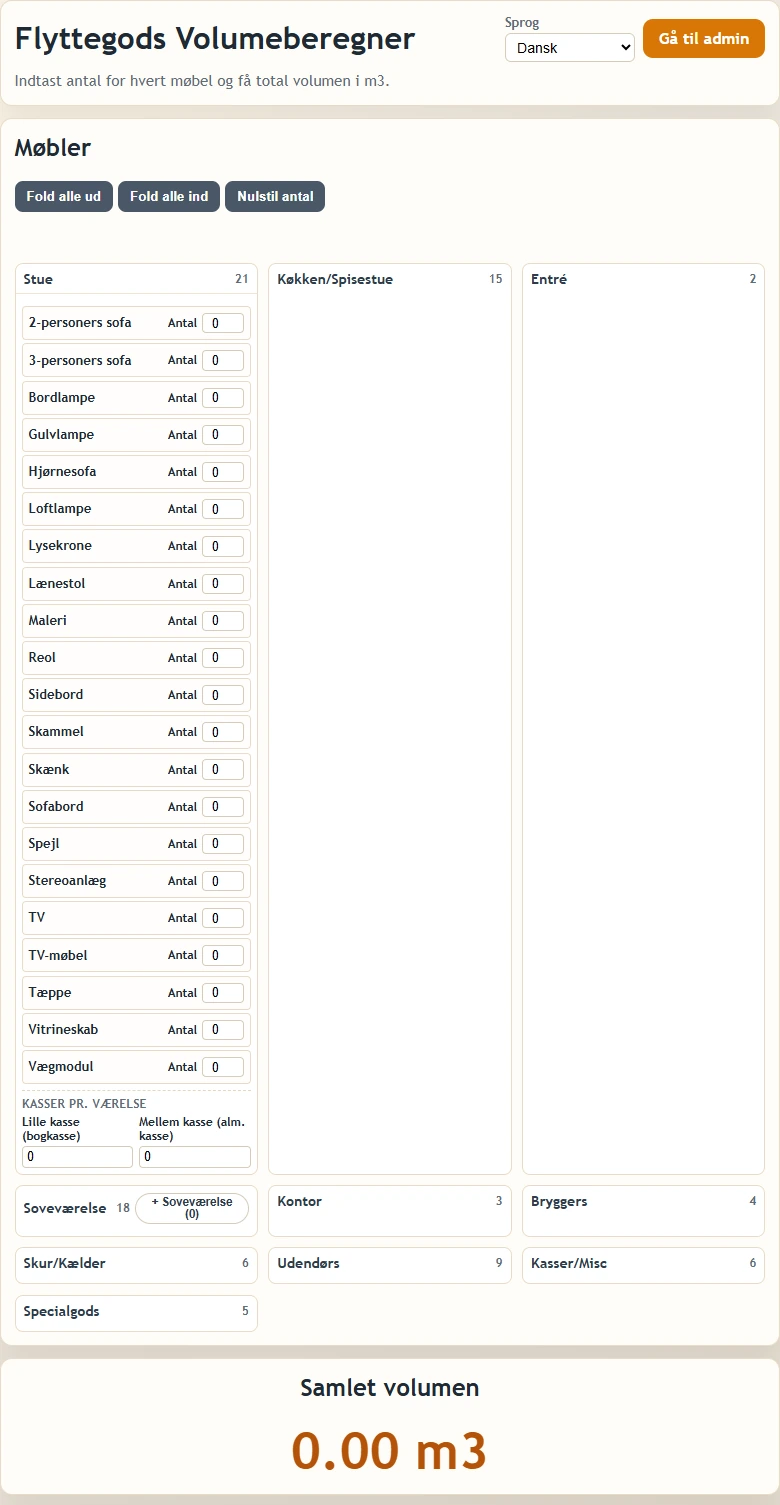 View larger screenshot
Understand the size of the move.
A furniture list becomes a total volume that can be used to plan the move.
I developed the Volume calculator so users can enter the furniture they want to move. The quantity of each item is used to calculate the total volume in cubic metres.
Furniture is grouped into categories such as living room, kitchen and bedroom. The calculator shows the total volume in m³.
On the admin page, I can add extra furniture with a name, volume and category, and configure email.
The plan is for users to enter their moving goods and select origin and destination cities. The app should then send a quote automatically. This quote workflow is planned, not presented as a completed feature.
Select furniture. See the volume.
The calculation starts with the furniture and quantities to be moved.
- 01
Find the furniture
Open the relevant categories and find the furniture included in the move.
- 02
Enter quantities
Enter the quantity of each furniture item and the boxes to be moved.
- 03
See total volume
Use the result in m³ as a basis for assessing the size of the move.
Calculation and administration.
Furniture and quantities
- Enter which furniture is to be moved and how many of each item.
Total volume in m³
- Furniture and boxes contribute to the calculation of the total moving volume.
Add furniture in admin
- Create extra furniture with a name, volume and category for use in the calculator.
Email configuration
- Admin has settings for email, sender, recipients and message text. Configuration alone does not demonstrate automatic quote delivery.
From calculation to quote.
The next planned workflow combines the moving goods with origin and destination cities.
Planned
Origin and destination cities
Users should be able to specify the city where the move starts and the city where the goods are going.
Planned
Automatic quote
Based on the user's input and the cities, the app should send a quote automatically.
Furniture and email in admin.
Real screenshots of the admin forms. Field values are hidden in the images without changing the app's configuration.
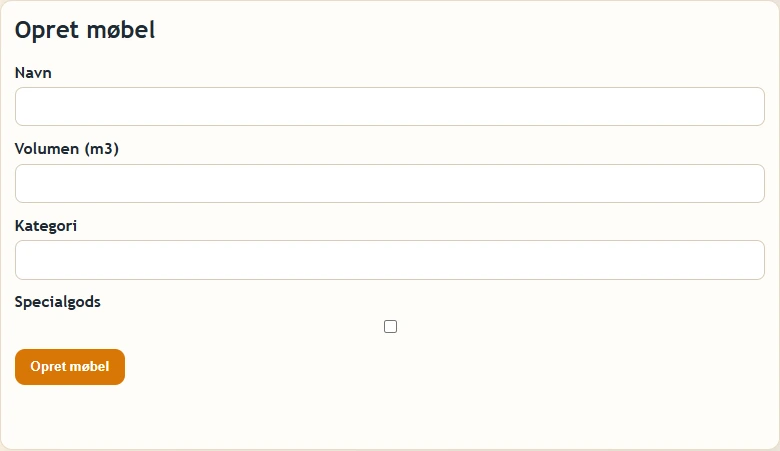 View larger screenshot
 View larger screenshot
An idea or a question?
Do you have questions about the systems or the story behind Sulitech? You are welcome to get in touch.