
SULIFLOW / LAGER MANAGER
Find where goods are stored.
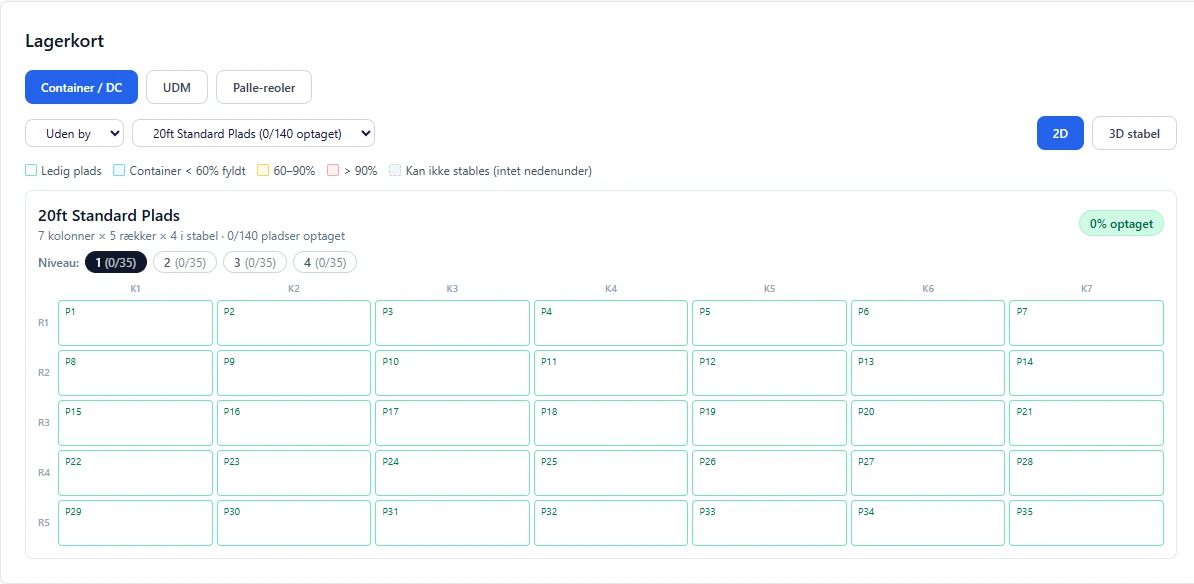
Locate moving goods and stored items in containers and pallet racks. View their position on a 2D or 3D warehouse map.
Cities and locations according to permissions from Login.
Web-based app in SuliFlow.
 View larger screenshot
From case to storage location.
Location and date are recorded so the goods can be found again.
I developed Lager Manager to show where moving goods and stored items are located. The app has locations for both containers and pallet racks.
A case or stored items can be assigned to a container. The record notes the date and the place where the goods are stored.
Staff can search for goods and locate the container using the warehouse map's 2D or 3D view. The position is associated with a location and a city.
The user's permissions from Login determine which cities and locations they are allowed to see.
Record the position. Find it again.
The case, recorded date and warehouse position provide an overview of storage.
- 01
Assign the case or goods to a container
Link the case or stored items to the container in which they are placed.
- 02
Keep the date and position
The record notes the date and location, showing when and where the goods were stored.
- 03
Search and locate the position
Search for the goods and use the map's 2D or 3D view to locate the container at the relevant location and in the relevant city.
An overview of storage.
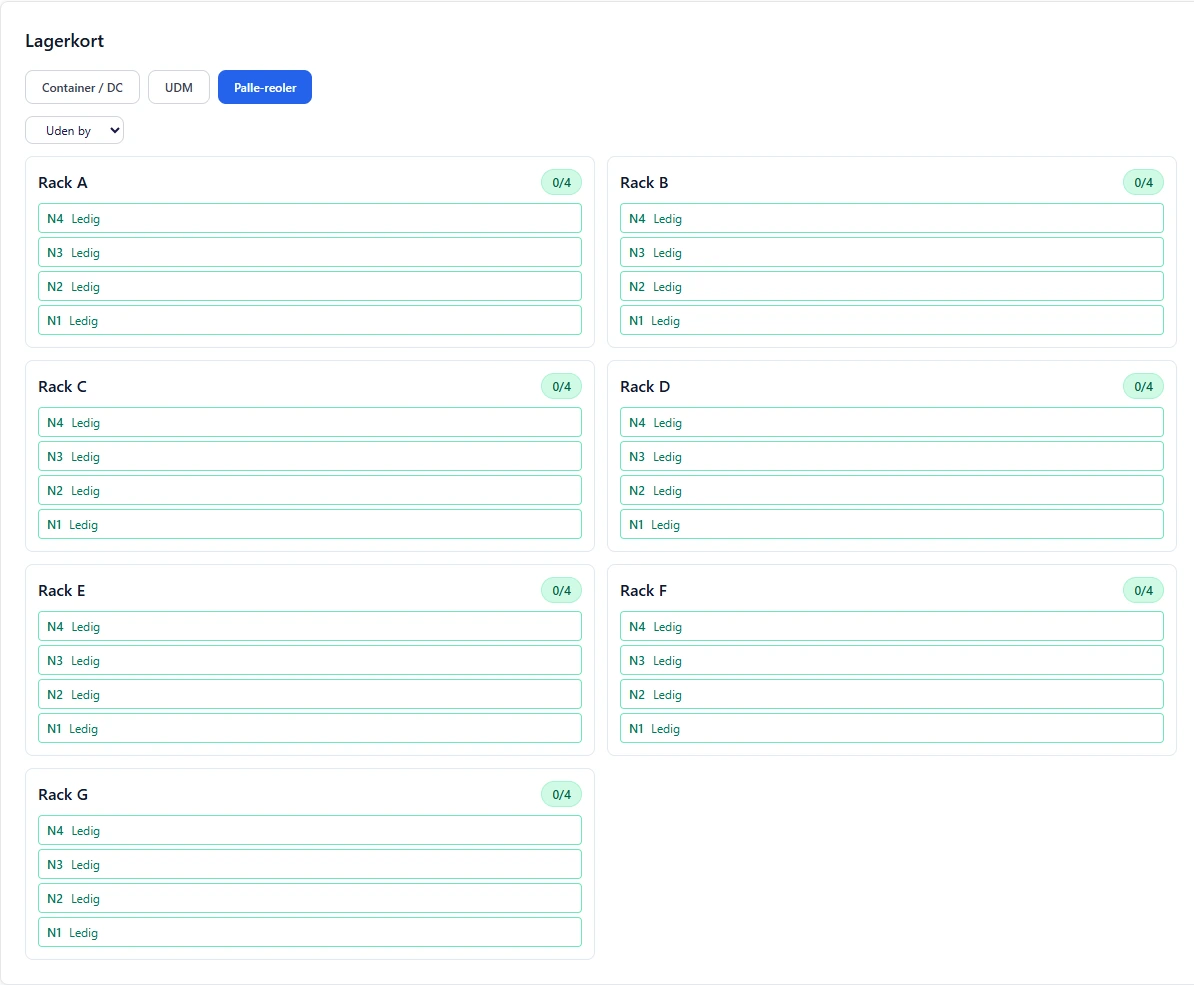
Containers and pallet racks
- The warehouse has positions for containers and pallet racks so both forms of storage can be viewed visually.
Date and storage location
- When a case or stored items are assigned to a container, both date and position are recorded.
Search for goods
- Search for stored goods to find the container in which they are located.
2D and 3D stack view
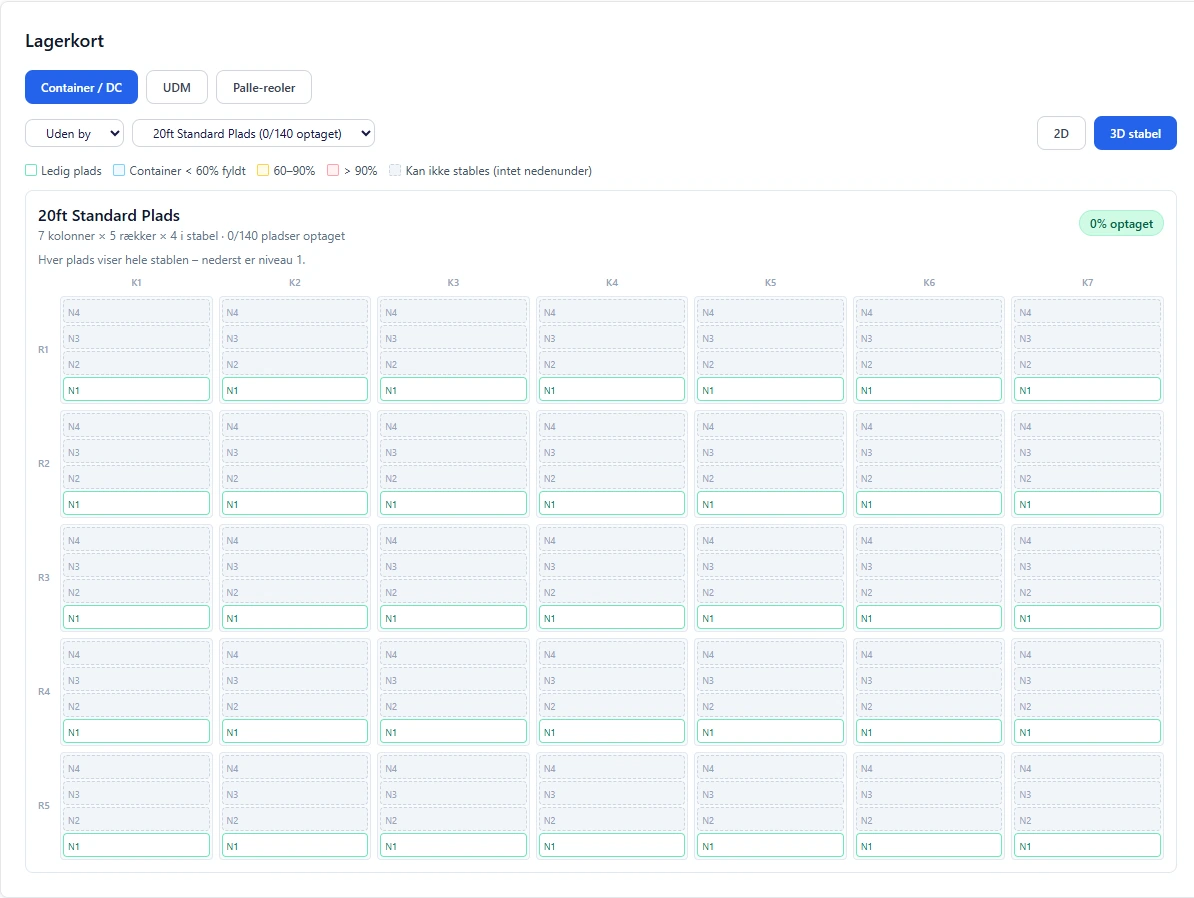
- View container positions in 2D or switch to the 3D stack view showing the levels at each position.
Cities and locations through Login
- Users only see the cities and locations allowed by their permissions from Login.
Positions and levels on the map.
Real warehouse map screenshots without the account header or customer data. The views show vacant positions, not a registered customer case.
 View larger screenshot
 View larger screenshot
An idea or a question?
Do you have questions about the systems or the story behind Sulitech? You are welcome to get in touch.